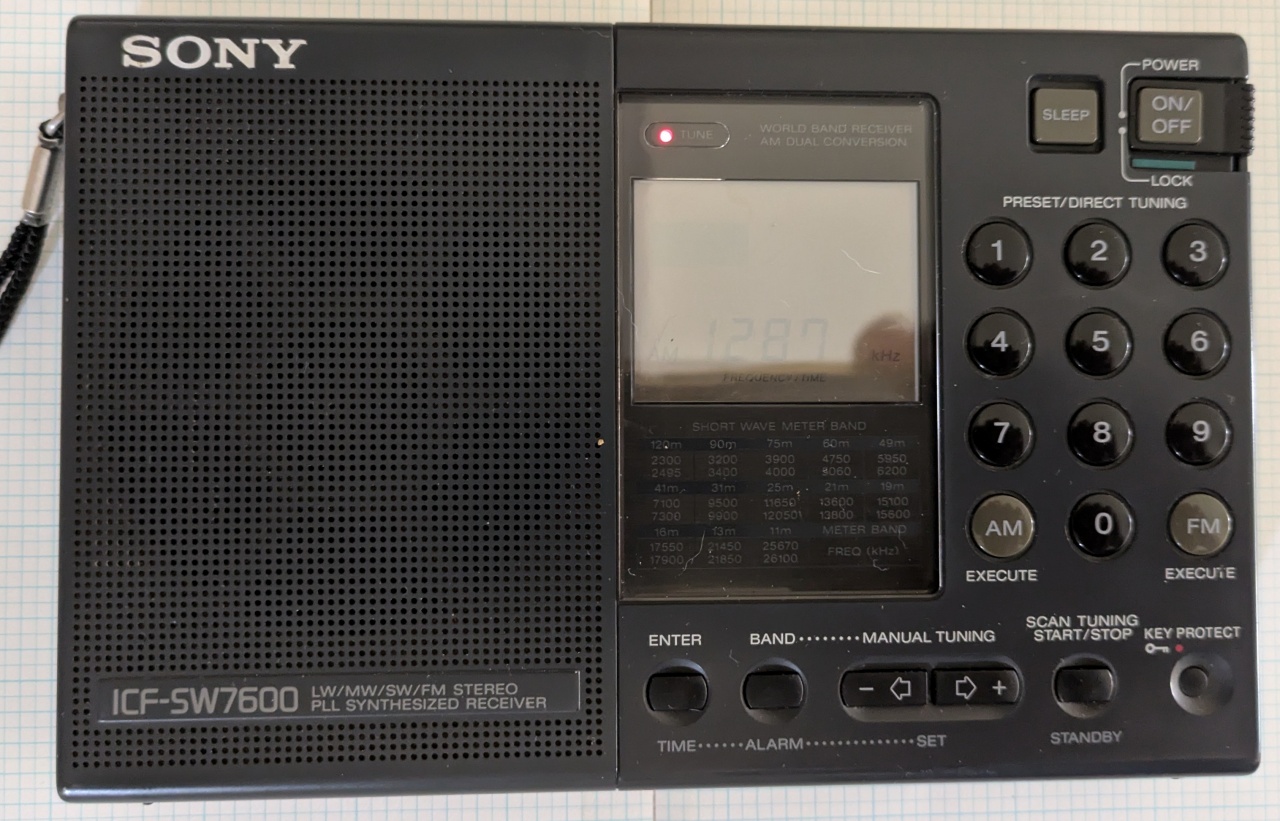
Recently I acquired a Sony ICF-SW7600 from the second-hand market. Everything was fine except the audio volume was very low.
Troubleshooting
Since radio reception was normal for all bands, I suspected the audio circuit was faulty. I traced the audio signal from the demodulator to the loudspeaker and found that the gain of the PA was very low. Further diagnosis revealed that an electrolytic capacitor in the feedback path was faulty – open circuited. (See Fig. 1) Replacing this cap solved the problem. Audio level resumed normal.


Concluding Remarks
It was a successor and polished version of the popular ICF-7600D. A major improvement is the replacement of the “computer batteries” by a super-cap. You no longer need to worry about leaked batteries. I had my 7600D destroyed by the “computer batteries” cos’ I was stupid to use alkaline batteries and did not check them from time to time.
I took the trouble to replace all the high-value electrolytic capacitors, as that kind of SMT E-caps had notoriously short service life. (see Fig. 3 & 4) I replaced the electrolytic capacitors with tantalum type for performance and reliability.
The ICF-SW7600 is relatively easy to disassemble and service. Mechanical design is excellent. The only precaution is to place particular attention trying to separate the main and keyboard/display PCB. The two PCBs are connected by a FPC (flexible PCB) and receptacle which has locking mechanism. Loosen the lock before pulling the FPC. Don’t use force. Refer to Fig. 5 through 7.


Leave a Reply